GTA 6 PS5 Footage Gets DLSS and Frame Generation Processing on PC
Veyra 2.2.0 lets PC hardware apply upscaling, neural processing and generated frames to GTA 6 footage from PS5. The console game still runs at 30 FPS.
Overview
Reported GTA 6 footage from PlayStation 5 can now be processed through another Windows application, giving PC owners access to additional image-processing options without a native PC edition of Rockstar’s game. Likely7, the developer behind Veyra, published version 2.2.0 on November 20, 2026, with a Windows installer, live translation features and virtual camera support.
Reported Wccftech covered the application’s potential for GTA 6 on November 21, describing how PC graphics hardware can apply upscaling, image reconstruction and frame generation to incoming console footage. Its report also discusses a separate GameGPU experiment using NeuralScreen, which produced a reported 262 to 280 FPS at 4K. Neither result means GTA 6 itself is rendering at those speeds. The original game remains at 30 FPS in the reported PS5 Pro test.
Key facts
- Reported Veyra update: Likely7 released version 2.2.0 on GitHub on November 20, 2026.
- Reported Video inputs: The application accepts footage from capture cards, PS5 Remote Play, Sunshine streams, experimental Xbox sources and desktop windows.
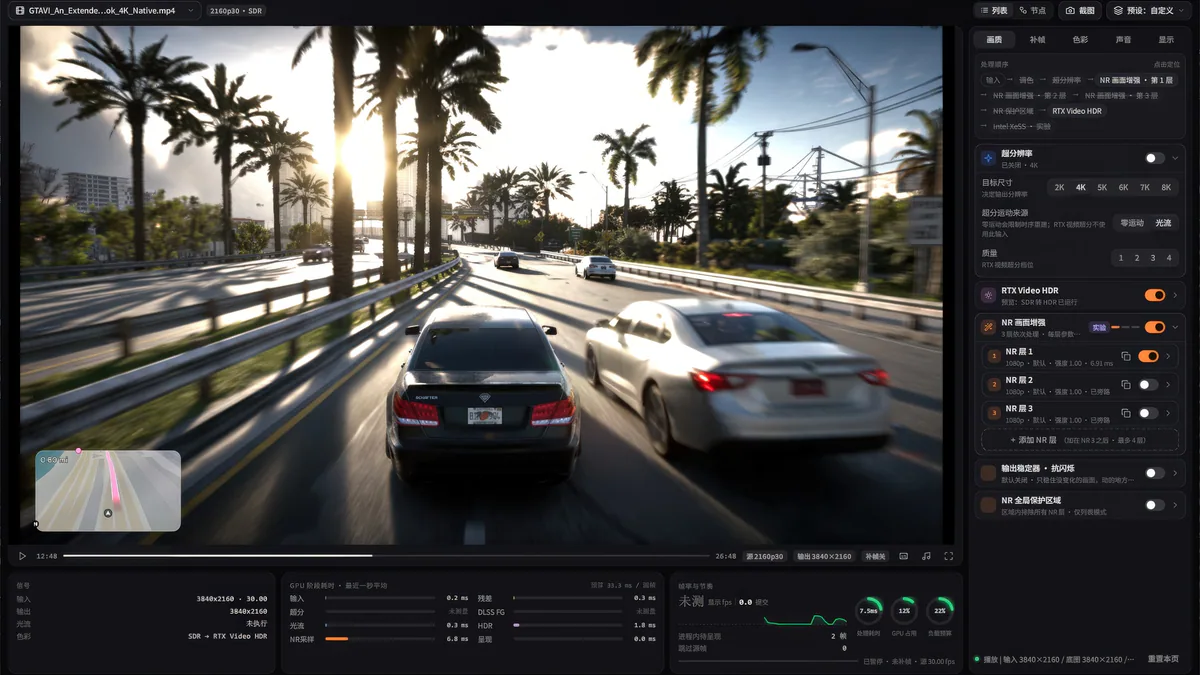
- Reported Graphics processing: Available options include NVIDIA DLSS, Intel XeSS, AMD FSR, NVIDIA DLAA, neural denoising and HDR processing.
- Reported Generated frames: Frame generation can increase the displayed frame count without changing the console’s original 30 FPS output.
- Reported Separate performance test: GameGPU recorded between 262 and 280 FPS at 4K using NeuralScreen, an RTX 5090 and PS5 Pro footage.
What Likely7 released in Veyra 2.2.0
Reported Likely7’s November 20 release introduces a conventional Windows installation option alongside the existing portable distribution. The update also brings live translation and virtual camera functions, as well as revisions to the application’s capture, streaming, recording and export systems. Users need to choose the package corresponding to the graphics hardware selected inside Veyra.
Reported Wccftech describes Veyra as a free, open-source Windows 11 program released under the GPL-3.0 license. Its processing uses DirectX 12, with different builds available for NVIDIA and AMD graphics cards. Users can arrange processing operations in a sequence or connect them through a node-based editor. The available tools cover image scaling, NVIDIA DLAA, neural noise reduction, HDR and frame interpolation.
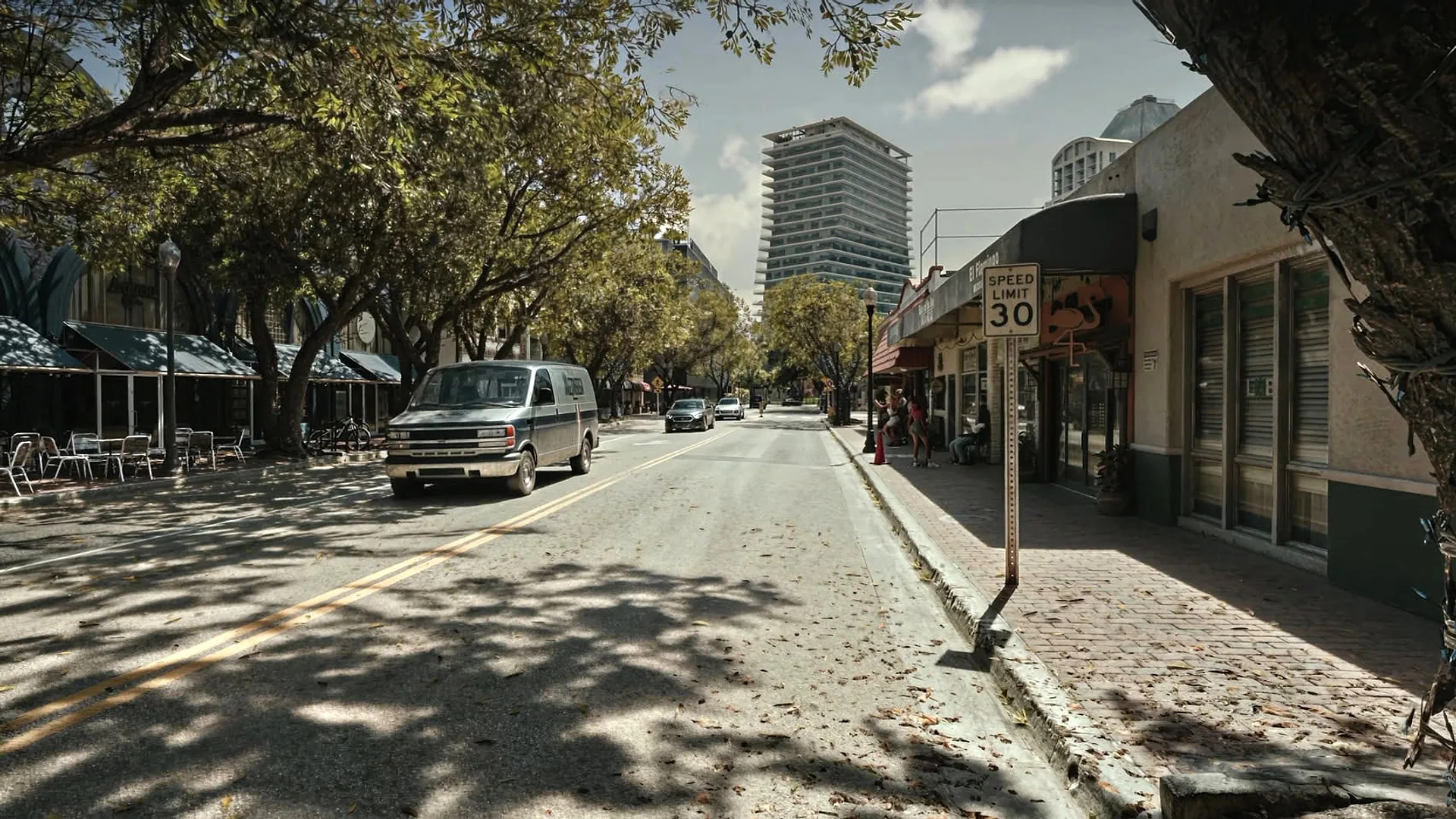
Reported For GTA 6, the input can come from a PS5 connected through Remote Play or a capture card. The application processes the incoming picture on a Windows computer, so players can experiment with PC graphics technology while the game continues running on Sony’s hardware.
Reported The release also contains practical installation information. Existing portable users can retain their previous data and LUT directories by copying them into the appropriate location after closing the application. Future updates are available through the About section in Settings. Likely7 also warns that the Windows installer does not carry an Authenticode signature.
Why the reported 280 FPS is not GTA 6 running at 280 FPS
Reported Wccftech includes results from a separate GameGPU test involving NeuralScreen rather than Veyra. The test used GTA 6 on a PS5 Pro, with an AVerMedia Live Gamer ULTRA 2.1 GC553G2 capture device sending the console picture to a PC equipped with an NVIDIA RTX 5090 and AMD Ryzen 7 9800X3D processor.
Reported GameGPU used NeuralScreen 2.6.4 with NVIDIA’s DLSS 5 Natural profile and six-times frame generation. Its reported 4K output stayed between 262 and 280 FPS, occasionally reaching 286 FPS. The graphics card reportedly consumed between 305 and 368 watts, with utilization ranging from 62 to 75 percent and video memory usage around 5.3 GB.
Reported These measurements belong to the NeuralScreen setup. They are not evidence that Veyra independently reached the same numbers, and they do not indicate a change to GTA 6’s native rendering rate. Wccftech says the PS5 Pro was still producing the original game at 30 FPS while the PC generated additional images for display.
Reported There is a trade-off. The extra processing can increase the delay between player input and what appears on screen. A high frame counter therefore does not guarantee that steering, aiming or movement will feel as responsive as playing directly from the console.
Why the capture method matters
Reported Wccftech considers a capture card the preferable way to feed PS5 footage into a PC. It transfers the picture through HDMI, avoiding the additional network encoding and decoding stages involved in Remote Play. This does not eliminate the processing delay introduced by the PC, but it removes some of the extra steps in the signal path.
Reported Remote Play remains a supported alternative for people without a capture device. However, the picture must travel through the console’s streaming process before Veyra can work on it. Neither connection changes how Rockstar’s game calculates movement, physics or player input.
Reported There is also a technical limitation with applying DLSS 5 to captured footage. Wccftech explains that the technology normally benefits from access to information such as the game’s color data and motion vectors. A video recording or streaming feed does not provide the same underlying engine information, so the processing cannot match a game with direct DLSS integration.
TechPowerUp reports a separate first-person glitch
Reported TechPowerUp added another GTA 6 development in its November 22 coverage. YouTuber DVESF demonstrated a first-person camera perspective by repeatedly activating the viewpoint control while the character puts away the in-game phone. The resulting footage also uses Veyra, frame generation and DLSS 5 processing.
Reported The camera discovery and the Veyra software update are separate developments. Likely7 did not announce a first-person gameplay feature in its release notes, and TechPowerUp attributes the viewpoint to a glitch rather than an officially supported camera option.
Our read That distinction matters for anyone following GTA 6’s camera options. A viewpoint obtained through an unusual button sequence does not establish that Rockstar has added a selectable first-person mode or intends to support the behavior in a future update.
What players should check before installing
Reported Likely7 distributes separate NVIDIA and AMD versions. The developer recommends using the package that matches the GPU selected by the application. Players transferring an older portable installation should close Veyra before moving their data and LUT directories. The Settings and About menus provide access to later signed updates.
Reported The release notes also identify areas where further testing is needed. Likely7 has not yet received real-world results for frame rates using the modified Pro Capture hardware, comparisons involving the same scene directly from a PS5, or dedicated processing routes for other graphics cards. The unsigned Windows installer is another detail users should consider before installation.
Our read None of these reports establishes that Rockstar has released or announced a PC edition with native DLSS 5 support. Veyra is an external video-processing application, and the NeuralScreen figures describe generated display output rather than a change to the game’s own performance.
Context
Our read GTA 6 arrived on November 19, 2026, for PS5 and Xbox Series X|S. Our GTA 6 release date guide records the launch details. Likely7’s software update followed the console release by one day, offering another option for PC owners who want to experiment with footage from the newly released game.
Reported The 30 FPS distinction also relates to earlier reporting about Rockstar’s console performance target. IGN reported that the company was aiming for 30 FPS on PS5, PS5 Pro, Xbox Series X and Xbox Series S. The frame generation experiments described here do not contradict that reporting because the additional images are created after the console has produced the original game footage.
Our read
Our read Veyra gives GTA 6 owners with suitable PC hardware another way to work with their PS5 footage. A capture card looks like the more practical input method for anyone prioritizing a shorter signal path, although the developer’s own notes show that some hardware testing is still outstanding.
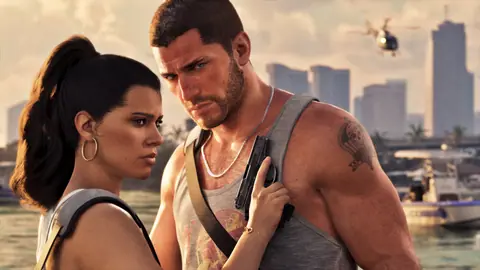
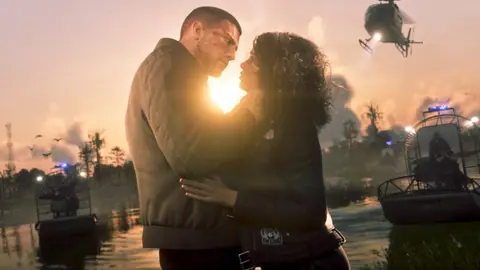
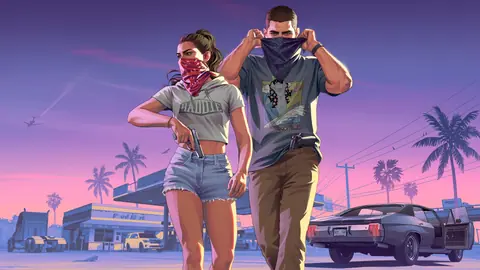
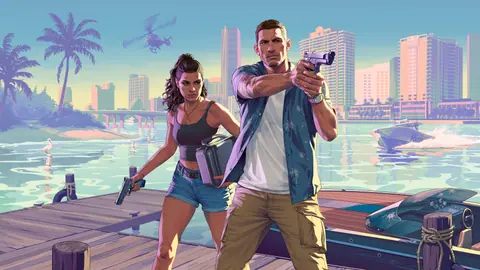
Our read We would be careful about treating the headline frame rates as a measure of actual gameplay performance. The NeuralScreen test reached impressive display figures, but Jason Duval and Lucia Caminos are still being controlled through a console game producing 30 original frames per second. Extra generated images cannot replace a native PC version or remove the input delay caused by additional processing.
Questions
Does Veyra make GTA 6 run at 120 FPS on a PC?
Reported No. Veyra receives video from another device and processes it on Windows. In the reported PS5 Pro test, GTA 6 continued producing 30 original frames per second while the PC created additional images for the display.
Can I send GTA 6 footage from my PS5 to Veyra?
Reported Yes. Likely7 lists PS5 Remote Play and capture cards as supported inputs. Remote Play transfers the picture over a network, while a capture card takes the HDMI output directly.
Was the 280 FPS test performed using Veyra?
Reported No. GameGPU’s test used NeuralScreen 2.6.4 with an RTX 5090 and PS5 Pro footage captured using an AVerMedia device. The reported result was between 262 and 280 FPS at 4K, with a peak of 286 FPS.
Does the first-person glitch mean GTA 6 has an official first-person mode?
Reported No such official addition is established by these reports. TechPowerUp describes a camera glitch demonstrated by DVESF, involving the viewpoint control and the action of putting away the in-game phone.
Pictures